Hotel WiFi has split into two worlds. Some properties deliver fast, stable fibre; others still struggle to hold a video call. For business travel the difference decides your day. This guide sets real speed tiers, explains which hotels tend to deliver, and shows how to test connectivity before you book rather than after.
Affiliate disclosure: when you book through links on this site we may earn a commission at no additional cost to you. We never accept payment for placement.
Reading on the go?
We send the best of these guides, plus special offers, in one Sunday email.
What "fast" actually means
For business travel, aim for at least 50 Mbps download for reliable video calls, treat 100 Mbps as comfortable, and consider anything at or above 500 Mbps genuinely fast. Consistency matters as much as the headline number: a stable 60 Mbps carries a call better than a spiky connection that peaks at 300 and drops mid-sentence.
Acceptable (around 50 Mbps down / 25 up). Enough for video calls, email and browsing on one or two devices.
Good (around 100 / 50). Smooth calls, fast file transfers, several devices at once.
Excellent (around 500 / 200). Heavy transfers, multiple streams, and a team working from the same room.
Gold standard (gigabit-class). Effectively no slowdowns whatever you throw at it. Rare, and worth confirming rather than assuming.
Which hotels tend to deliver
Connectivity quality tracks three things far more reliably than star rating: how recently the property was built or rewired, the strength of the local broadband market, and how much the brand invests in technology. Use those as your filter rather than trusting a marketing line.
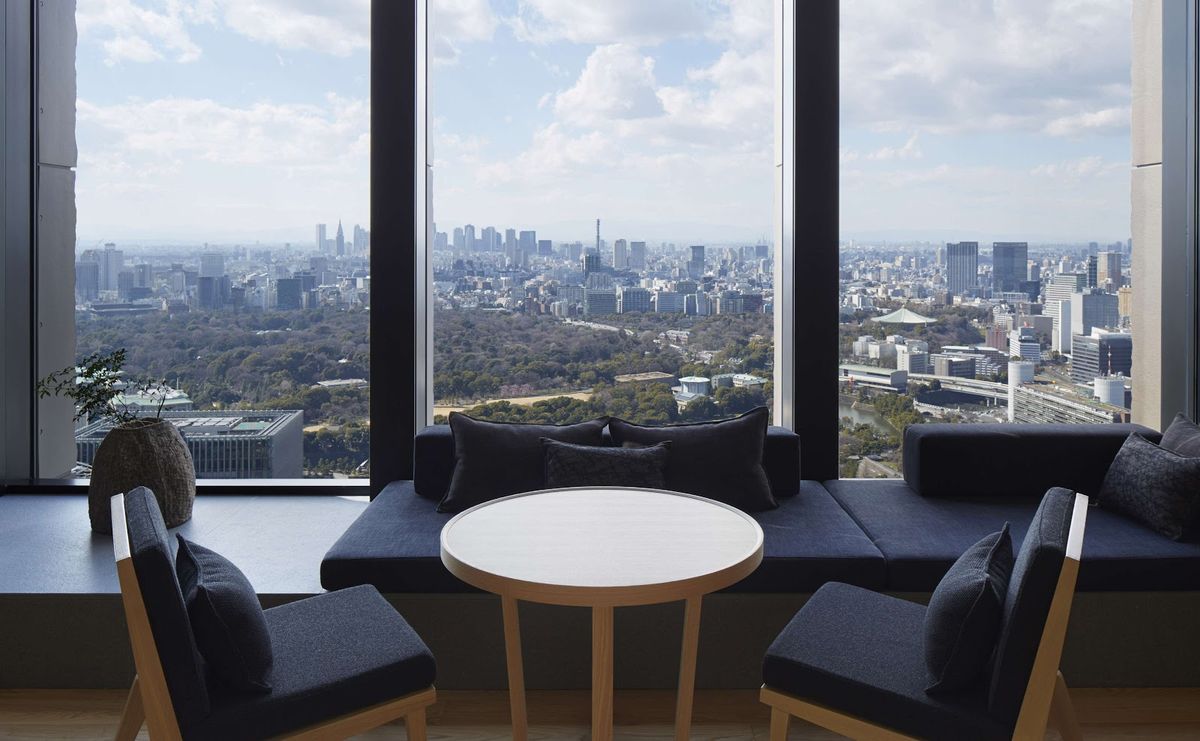
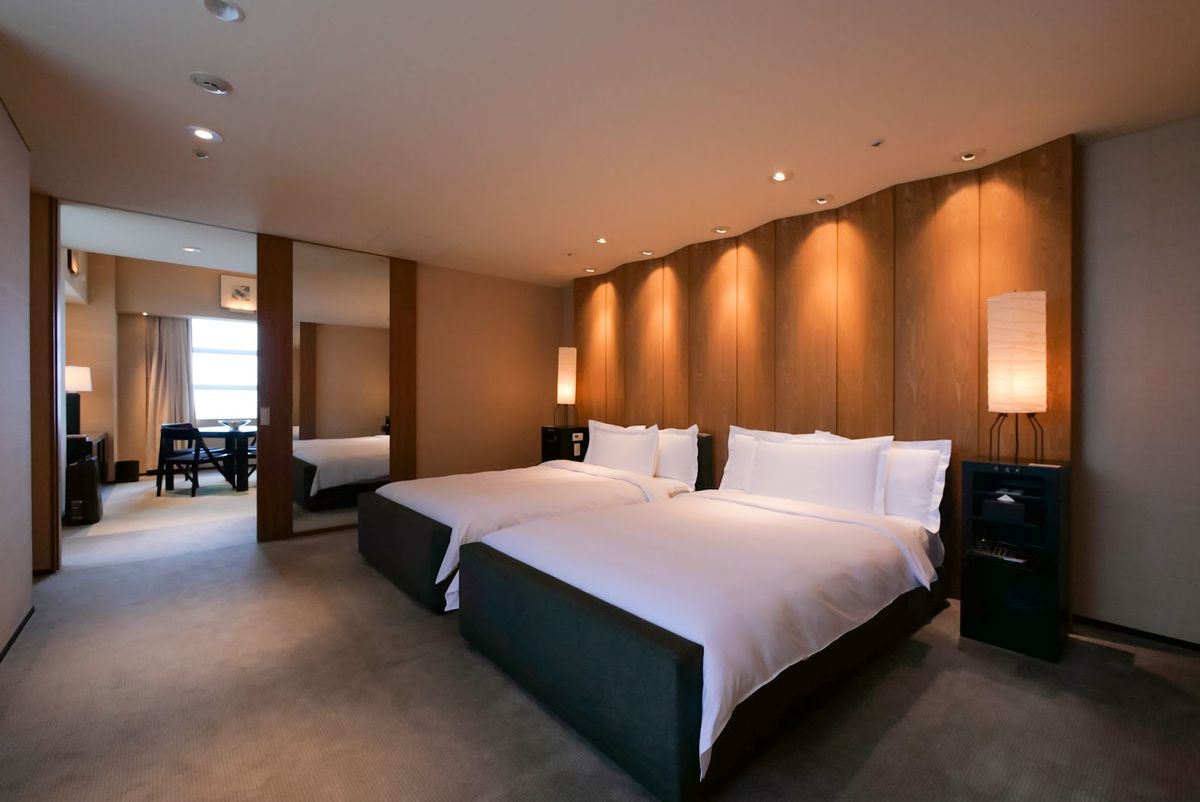
Recently built or renovated properties. New cabling and current access points usually mean current speeds. Bulgari Hotel Tokyo (opened 2023) and the fully renovated Park Hyatt Tokyo, which reopened in December 2025 after a 19-month rebuild, are examples of properties whose infrastructure is new by definition. Cheval Blanc Paris, which opened in 2021, sits in the same recently built bracket.
Strong local broadband markets. A hotel can only be as fast as the fibre coming into the building. Properties in markets with excellent national broadband, Japan and South Korea especially, start with an advantage, which is part of why Tokyo hotels such as Aman Tokyo and the Park Hyatt tend to feel quick.
Tech-forward brands. Some groups position technology as part of the product. Marriott's EDITION and W brands market themselves on a contemporary, connected experience; that is a signal to check, not a guarantee, so still verify per property.

Where WiFi tends to lag
Older grand hotels and remote resorts are the usual weak spots, and it is rarely about budget. Historic properties with thick walls and legacy risers can carry a fast line to the basement but struggle to get it cleanly to the room until they rewire, so connectivity varies floor to floor. Resorts often prioritise other amenities and sit at the end of longer, thinner regional links. Smaller boutiques are simply variable, dependent on whoever set up the network. None of this is a reason to avoid these hotels; it is a reason to ask before you rely on them for a working stay.
A quick way to read a hotel's likely speed
Before you email anyone, you can estimate a property's likely connectivity from a few visible facts.
| Signal | Points toward fast | Points toward risk |
|---|---|---|
| Building age / last renovation | Built or rewired in the last few years | Historic, no recent tech refresh |
| Local broadband market | Japan, South Korea, major tech hubs | Remote resort or island |
| Wired ethernet in rooms | Offered as standard | WiFi only |
| Recent reviews mention speed | Business travellers praise it | Repeated complaints |
How to test before booking
Do not trust the published number; verify it in three cheap steps and one on arrival.
Ask the hotel directly. Email a specific question: what are the in-room download and upload speeds, and is wired ethernet available? A confident, specific answer is itself a good sign.
Read recent business-traveller reviews. Business forums and detailed review sites often contain real speed figures and the floor they were measured on.
Check available Speedtest data. Some hotels have been measured on public speed-test databases; many have not, so treat a gap as unknown rather than good.
Confirm at check-in. Run a speed test in the first ten minutes. If it is slow, request a room change or a router closer to your room while you still have leverage.

Backup options that actually work
Never let one hotel's WiFi be your only plan for an important call. A local SIM or an eSIM with a data plan is the cheapest insurance, usually 20 to 50 dollars per trip, and it keeps you online if the room connection fails. A personal mobile hotspot covers a laptop and phone together and travels between countries with a roaming plan. Where a room offers wired ethernet, use it for the calls that matter, because a cable is more stable than any shared WiFi. And in a pinch, a nearby cafe is the hundred-yard backup that has saved many a deadline.
What a business-ready hotel should provide
Beyond raw speed, a genuinely work-ready hotel covers redundancy and support. Look for wired ethernet in the room alongside WiFi for a fallback, mesh coverage so the lobby, restaurant and pool deck all hold a signal, real 24-hour tech support you can phone when something breaks, and business-centre printing for the documents that still occasionally need paper. A property that has thought about all four has thought about business travellers.
Why upload and latency matter more than download
For video calls, the download figure hotels advertise is the least important number; upload speed and latency decide whether you look and sound professional. A call sends your camera and microphone out over the upload channel, so a property with a fast download but a throttled upload will show you frozen or pixelated while everyone else looks fine. Aim for at least 10 to 15 Mbps of stable upload for a clean one-on-one call, and more if you share your screen. Latency, the delay before data starts moving, causes the awkward talk-over-each-other pauses even when raw speed looks healthy; anything under about 50 milliseconds feels natural. When you run your arrival speed test, look at all three numbers, not just the big download figure, and if the upload is weak, switch to wired ethernet or your own hotspot for the meeting that matters.
How we researched this
We set the speed tiers from what business tasks actually require rather than from marketing claims, and we deliberately avoid quoting a specific megabit figure for any individual hotel, because in-room speeds vary by floor, room and time of day and are not something we can verify per property. Named hotels are cited for a verifiable fact (recent construction or renovation) that makes current infrastructure likely, not for a guaranteed speed. Park Hyatt Tokyo, Bulgari Hotel Tokyo and Cheval Blanc Paris were confirmed open as of July 2026.
Frequently asked questions
What counts as fast hotel WiFi? At least 50 Mbps for reliable video calls, 100 Mbps for comfort across devices, and 500 Mbps or more for genuinely fast. Stability matters as much as peak speed.
Which hotels are most likely to be fast? Recently built or renovated properties, hotels in strong-broadband markets like Japan, and tech-forward brands. Verify per property rather than assuming.
How do I check before booking? Ask the hotel for in-room speeds and ethernet availability, read recent business reviews, check Speedtest data, and run your own test on arrival.
What is the best backup? A local SIM or eSIM for 20 to 50 dollars, a personal hotspot for multiple devices, and wired ethernet for the calls that matter.
For the wider business-hotel picture, see the business travel hotel guide, best business hotels in the world, the executive lounge comparison, weekly business stays, and business hotels by occasion. Browse Tokyo hotels for the fastest-connected market.